spincity888 Deposit Guide
Read this page once and you will know how to move money from a Malaysian bank app or eWallet into your player balance without guessing: which methods we accept, what each one asks of you, and what to do when a top up goes quiet. Most deposits land in about six minutes.
Register Now18+ · Play Responsibly
Four ways in, one RM20 floor
Every method below starts at the same place: RM20. spincity888 does not add a service charge at checkout, so any fee you see on your statement comes from your bank or wallet provider rather than from us. Pick whichever app is already open on your phone, because the length of the process barely changes between them.
The credit time is counted from the moment you approve the payment, not from the moment you open the Cashier. That six-minute target holds on weekends and public holidays too. Transfers sent by bank transfer can stretch slightly if your bank queues them outside normal banking hours, which is the one case where waiting a little longer is normal.
| Method | Minimum deposit | Typical time to credit | Charge added by spincity888 |
|---|---|---|---|
| Touch ’n Go eWallet | RM20 | About 6 minutes | None |
| DuitNow | RM20 | About 6 minutes | None |
| FPX Online Banking | RM20 | About 6 minutes | None |
| Bank Transfer | RM20 | About 6 minutes | None |
All amounts are in ringgit (MYR). The RM20 minimum applies to every method, on your first deposit and on every top up after it. Your bank or eWallet may apply its own limits or rates on top of this.
From log in to balance in five moves
The Cashier looks the same whichever method you choose, so the first four steps are identical across the board. Only step four changes, because your bank or wallet handles the approval.
-
Log in and open the Cashier
Sign in through the login page with your username and password, then select Deposit from the top bar. The Cashier shows your current balance, any active bonus and the four methods open to you.
-
Pick the method you already use
Touch ’n Go eWallet, DuitNow, FPX Online Banking or Bank Transfer. If you are on your phone and the eWallet is already loaded, take that one. On a laptop, FPX is usually the least fiddly.
-
Enter an amount from RM20 up
Type the sum you actually plan to play with. Splitting a larger bankroll into two or three smaller top ups keeps the session honest and makes it easier to stop when you planned to.
-
Approve the payment in your bank app
Your bank or wallet will ask you to confirm. Check the merchant name reads spincity888 before you slide to pay, and leave the Cashier tab open until that confirmation comes back.
-
Watch the balance update
Most deposits show up in about six minutes, often faster. If nothing has changed after that, keep the reference number from your receipt before you do anything else.
Touch ’n Go eWallet: the two-tap route from your phone
Touch ’n Go eWallet step by step
This is the method most Malaysian players reach for, mainly because the wallet is already on the phone you are holding. There is no card to type in and no separate banking login to remember.
The one thing worth checking is the merchant name on the approval screen. If the wallet shows anything other than spincity888, stop and start again from the Cashier rather than approving a payment you cannot trace.
- Select Touch ’n Go eWallet in the Cashier and enter at least RM20.
- Confirm the amount, then let the page hand you over to the eWallet app.
- Check that the merchant name shows spincity888 before you continue.
- Slide to pay and wait for the eWallet receipt to appear on screen.
- Return to the Cashier and let it refresh; the balance should update within about six minutes.
DuitNow: pay from a bank app you already trust
DuitNow routes the payment through the banking app on your phone, so the money leaves an account you can see in your own statement. It is a good middle ground if you want a record without keying in card details.
Because the transfer happens inside your bank's app, your bank controls the approval step. If it asks for a TAC or biometric check, that is normal and it is the last thing standing between you and a funded balance.
- Choose DuitNow in the Cashier and enter your amount of RM20 or more.
- Pick your bank from the list shown on screen.
- You are passed to your banking app; approve the transfer request there.
- Complete any TAC or biometric prompt your bank asks for.
- Keep the reference number, then check the Cashier for the updated balance.
FPX Online Banking on a laptop
FPX is the familiar route for anyone doing internet banking on a desktop. You sign in to your own bank as usual, authorise the payment there, and come back to a confirmed balance.
It suits longer sessions: you can set the deposit, open the game lobby on the same screen, and keep an eye on the balance while you play. The RM20 floor and the six-minute target are the same as everywhere else on this page.
- Choose FPX Online Banking at the Cashier.
- Select your bank from the FPX list.
- You land on your bank's own login page; sign in there as you normally would.
- Approve the payment of RM20 or more in the banking interface.
- Wait for the bank's confirmation screen, then return to the Cashier to see the balance.
Bank Transfer for bigger top ups
Use bank transfer when you want to move a larger sum and would rather do a straight transfer than tap through a wallet. It follows the same RM20 minimum and the same six-minute target, though your bank's cut-off times can push it out further.
The reference number is the whole game here. It is how our team matches your money to your account, so copy it exactly rather than retyping it from memory.
- Choose Bank Transfer in the Cashier to see the receiving account details.
- Copy the reference number exactly as shown; do not shorten it.
- Make the transfer from your own bank app or internet banking.
- Paste the reference into the confirmation field on the Cashier page.
- Keep the transfer receipt until the balance has updated on screen.
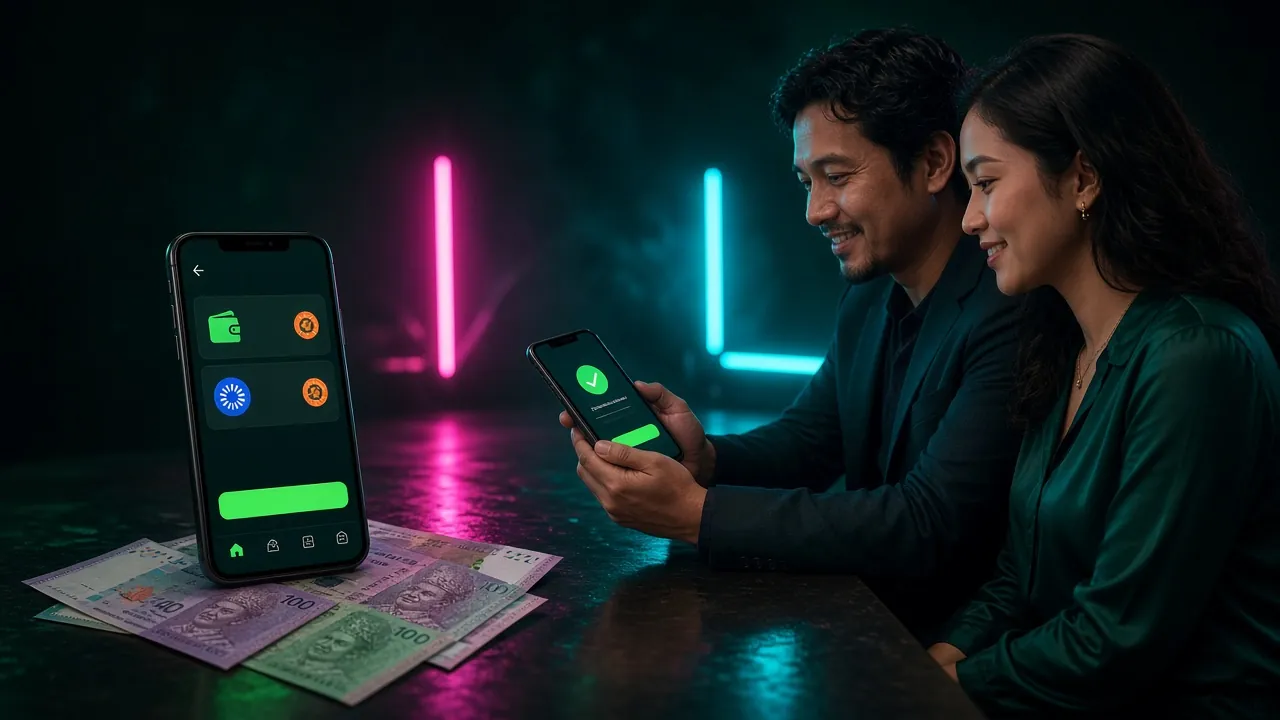
A top up from the couch on match night
A Saturday fixture, a phone in one hand and the wallet app already open. That is the usual shape of a deposit on this site, and it is why mobile methods come first in the list above.
Two habits keep those sessions clean. Decide the amount before you open the Cashier, and check the reference number before you close the receipt. Both take seconds and both save a conversation with live chat later.
If you play mostly on the phone, the spincity888 app keeps the Cashier one tap from the lobby: version 3.5.16, 41 MB, free, and it runs on Android 8.0 and above.
When the money leaves but the balance does not move
Almost every stalled deposit traces back to one of five things. Work down this table before you assume the worst, because four of the five are fixed inside a couple of minutes.
| What you see | What it usually means | What to do |
|---|---|---|
| Approved in the wallet, nothing in the Cashier | The handover back from the wallet did not complete. | Refresh the Cashier once, then open the wallet receipt and copy the reference number. |
| Bank transfer sent but not credited | The reference number was missing or mistyped. | Send the transfer receipt to live chat so the payment can be matched by hand. |
| Payment rejected before approval | The amount was below RM20, or your bank applied its own limit. | Try RM20 or above, or switch to FPX or the eWallet instead. |
| Balance updated but the bonus did not | The welcome offer only applies once, to your first deposit. | Ask live chat to look at the deposit and confirm which offer was applied. |
| Balance is credited but the account is restricted | An identity check is open on the account. | Upload your ID and let the review finish; it takes up to 24 hours. |
Three things to have ready before you message live chat
Our chat team works around the clock, and a deposit query is usually closed in one reply when these three items are in the first message.
- The reference number from your wallet or bank receipt, copied rather than retyped.
- The exact amount and the time you approved it, so the payment can be located quickly.
- A screenshot of the receipt or the pending transaction in your banking app.
Do not send a second deposit to fix the first. Duplicate payments take longer to unwind than a missing reference, and they double the amount you have sitting in limbo while the query runs.
Sort your verification before your first cash out
Deposits rarely need paperwork. Withdrawals do. Get the check out of the way early and the first cash out will not stall the moment you are ready to take money off the table.
Upload one clear photo of a National ID Card (NID), a passport or a driving licence, taken in good light with all four corners visible. Reviews are completed within 24 hours, and the documents are needed before your first withdrawal rather than before your first deposit.
Once that is done, the first withdrawal can be processed in up to 1 hour, with a minimum of RM120 and a daily cap of RM9,000. The withdrawal and verification guide walks through the request screen line by line.
On the deposit side, one number is worth knowing before you choose an amount: the welcome offer adds 150% to your first deposit, capped at RM675, and the bonus carries 15x wagering. Whether you send RM20 or RM450, the deposit itself still credits in about six minutes.
How Each Payment Method Stacks Up
All four methods share the same RM20 floor and the same six-minute target. The table below puts the key numbers side by side so you can pick the right one before you open the Cashier.
| Payment Method | Min. Deposit | Deposit Credit Time | Withdrawal Time | Fee by spincity888 |
|---|---|---|---|---|
| Touch 'n Go eWallet | RM20 | About 6 minutes | About 29 minutes | None |
| DuitNow | RM20 | About 6 minutes | About 29 minutes | None |
| FPX Online Banking | RM20 | About 6 minutes | About 29 minutes | None |
| Bank Transfer | RM20 | About 6 minutes | About 29 minutes | None |
-
Touch 'n Go eWallet
Deposit & Withdrawal
Approve inside the TnG app. Deposit lands in about 6 minutes; withdrawal processed in about 29 minutes. No fee added by spincity888.
-
DuitNow
Deposit & Withdrawal
Scan or enter your DuitNow ID from any participating bank app. Deposit lands in about 6 minutes; withdrawal in about 29 minutes. No fee added by spincity888.
-
FPX Online Banking
Deposit & Withdrawal
Log in to your bank's FPX portal and authorise the payment. Deposit lands in about 6 minutes; withdrawal in about 29 minutes. No fee added by spincity888.
-
Bank Transfer
Deposit & Withdrawal
Transfer directly from your bank account. Deposit typically lands in about 6 minutes; allow a little longer outside normal banking hours. Withdrawal in about 29 minutes. No fee added by spincity888.
Minimum withdrawal is RM120. Daily withdrawal limit is RM9,000 at Starter tier. All amounts in ringgit (MYR). Your bank or wallet provider may apply their own limits or charges independently.
Deposit questions that land in live chat
What is the smallest deposit spincity888 accepts?
RM20, on every method and on every deposit, not just the first one. If the Cashier rejects an amount below that, the floor is the reason rather than a problem with your account or your bank.
How long does a spincity888 deposit take to show up?
About six minutes from the moment you approve the payment. That applies to Touch ’n Go eWallet, DuitNow, FPX and bank transfer alike. Allow a little more on bank transfer if you send it outside normal banking hours.
Does spincity888 charge a fee to deposit?
No charge is added at checkout. Whatever appears on your statement beyond the deposit amount would come from your bank or your eWallet provider, so check their rate card if you spot a difference.
Can I deposit from somebody else's bank account?
Keep the funding account in the same name as your player account. A mismatch is the most common reason a withdrawal gets held at verification, and it is far easier to avoid than to untangle after the fact.
Do I need the app to deposit, or does the browser work?
The browser works on both phone and laptop, and the Cashier is identical either way. The app simply keeps the Cashier closer at hand if you play mostly on your phone.
Nothing has arrived after 15 minutes. What now?
Open live chat with the reference number, the amount and the time, plus a screenshot of the receipt. Do not send another deposit in the meantime. The team is available 24/7 and can match most payments once they have the reference.
Ready when your wallet is
Create the account, set your deposit amount, and the first top up takes about six minutes end to end. Everything on this page applies from the very first ringgit you move across.
18+ · Play Responsibly Responsible Gaming Privacy Policy Help Centre